
Topic 10 of 13
Best for: site owners and WordPress developers
Wordpress
Speed, plugins and security for the platform that runs a third of the web.
00
- Articles
- 0
- Shelf
- Build and run
- Last updated
- –
Start here
The pillar guide · 7 chapters
WordPress, done properly
A fast, safe WordPress site is built in layers: solid hosting, a lean theme, disciplined plugins, real speed work, tight security, search-ready setup and a boring maintenance routine. Work through them in order.
01
Chapter 01
Hosting and foundation
Is the server the bottleneck?
Everything else sits on top of hosting. A current PHP version, server-level caching and a CDN remove half of WordPress speed problems before you touch the theme or plugins.
What to check
- PHP is on a supported, current version
- Object cache and page cache are enabled at the server
- A CDN serves images, CSS and JavaScript
- A staging site exists for every change
02
Chapter 02
Theme and structure
Is the theme helping or hurting?
Choose a lightweight theme or block theme, and use page builders sparingly. Put custom code in a child theme or a small plugin so updates never wipe your work.
What to check
- The theme is lightweight and actively maintained
- Page builders are limited to pages that need them
- Custom code lives in a child theme or small plugin
- Fonts and icons are loaded locally and only as needed
03
Chapter 03
Plugins
Does every plugin earn its place?
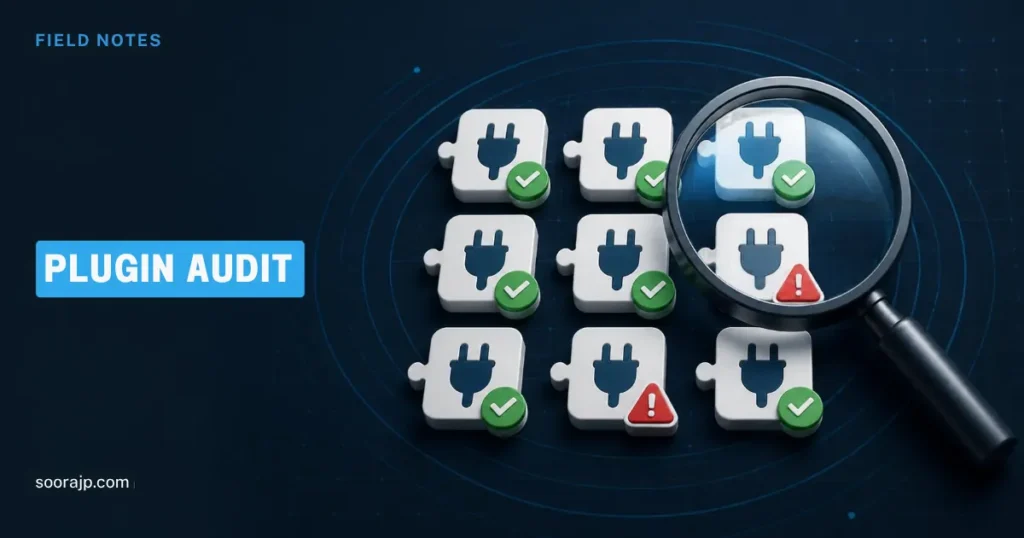
Each plugin adds code, risk and weight. Keep one plugin per job, remove what is inactive, and prefer a few lines of code over a heavy plugin for simple tasks.
What to check
- Plugins are audited every quarter
- There is one plugin per job, with no overlaps
- Inactive and abandoned plugins are deleted
- Each plugin has recent updates and a good support record
04
Chapter 04
Speed and Core Web Vitals
Is it fast for real visitors on a phone?
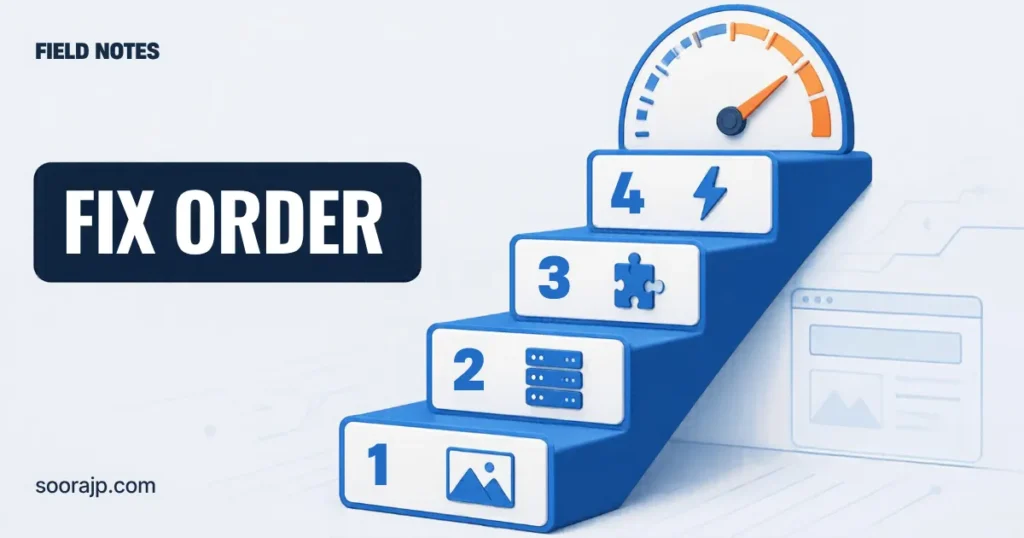
Fix in order of payback: images and fonts first, then render-blocking scripts, then layout shift. Confirm every change in field data, not only in a lab test.
What to check
- Images are modern formats, correctly sized and lazy-loaded
- LCP is under 2.5 s on mobile in field data
- Render-blocking CSS and JavaScript are deferred or removed
- Layout shift is under 0.1, with sizes reserved for media
05
Chapter 05
Security
Could you recover from a hack today?
Most hacked WordPress sites run old plugins or weak logins. Close those two doors, add a firewall and scanning, and make sure you can restore a clean copy quickly.
What to check
- Two-factor login is on for every admin
- Login attempts are limited and the default admin user is removed
- Core, themes and plugins update on a set schedule
- A malware scan and firewall run continuously
06
Chapter 061 article
SEO setup
Is WordPress giving search what it needs?
WordPress can produce thin, duplicate pages by default. Set clean permalinks, control what gets indexed, and keep schema in the template layer so it survives theme changes.
What to check
- Permalinks are clean and stable
- Sitemap lists only indexable, canonical pages
- Thin tag, author and archive pages are noindexed
- Schema is output from the template, not typed into posts
07
Chapter 07
Backups and maintenance
What happens when something breaks?
Reliable sites run on boring routines: tested backups, scheduled updates and monitoring that tells you before your customers do.
What to check
- Daily off-site backups exist and a restore has been tested
- Updates run weekly on staging first
- Uptime and error monitoring alert the right person
- A change log records what was updated and when
Self-audit
Score your own site. 21 checks
0/21
Tick what is already true for your site.
Hosting
0/3Theme
0/3Plugins
0/3Speed
0/3Security
0/3SEO
0/3Backups
0/3
Common questions
Asked by every site owner
Is WordPress still a good choice in 2026?
Yes, for content-led sites, stores and teams that need easy editing. It stays fast and secure when it is kept lean and maintained on a schedule.
How many plugins is too many?
There is no magic number. Judge each plugin by what it does, how often it is updated and how much it adds to page weight. Fewer, better plugins always win.
Do page builders hurt speed?
Heavy ones can. Use a lightweight theme, load builder assets only on pages that use them, and test with field data before and after.
How do I make WordPress secure?
Keep everything updated, use two-factor login, limit login attempts, run a firewall and malware scanner, and keep tested off-site backups.
How often should I update?
Apply security updates quickly, and run all other updates weekly on a staging copy first. Never update a live store without a restore point.
WordPress or Next.js?
WordPress suits editing-heavy sites with plugins and a non-technical team. Next.js suits custom apps and maximum control. The decision guide below compares both.
Shelf status · empty
This shelf is still being written
Nothing has been published in
Wordpress
yet. Subscribe and the first note lands in your inbox the day it goes live.
0 articles in
Wordpress
The full shelf
Nearby shelves
If you liked this, read these
Latest from topics that sit next to WordPress.
Next topic · 11 of 13
Web Development
React, Next.js, CRMs and architecture decisions, explained from real builds.
Explore 0 articles
The library
Other shelves
00
0 articles
00
0 articles
00
0 articles
00
0 articles
00
0 articles
00
0 articles
00
0 articles
00
0 articles
00
0 articles
00
0 articles
00
0 articles
00
0 articles
00
0 articles
00
0 articles
The newsletter · WordPress
Never miss a WordPress note
New articles and short field notes, every other week. No spam, unsubscribe any time.