
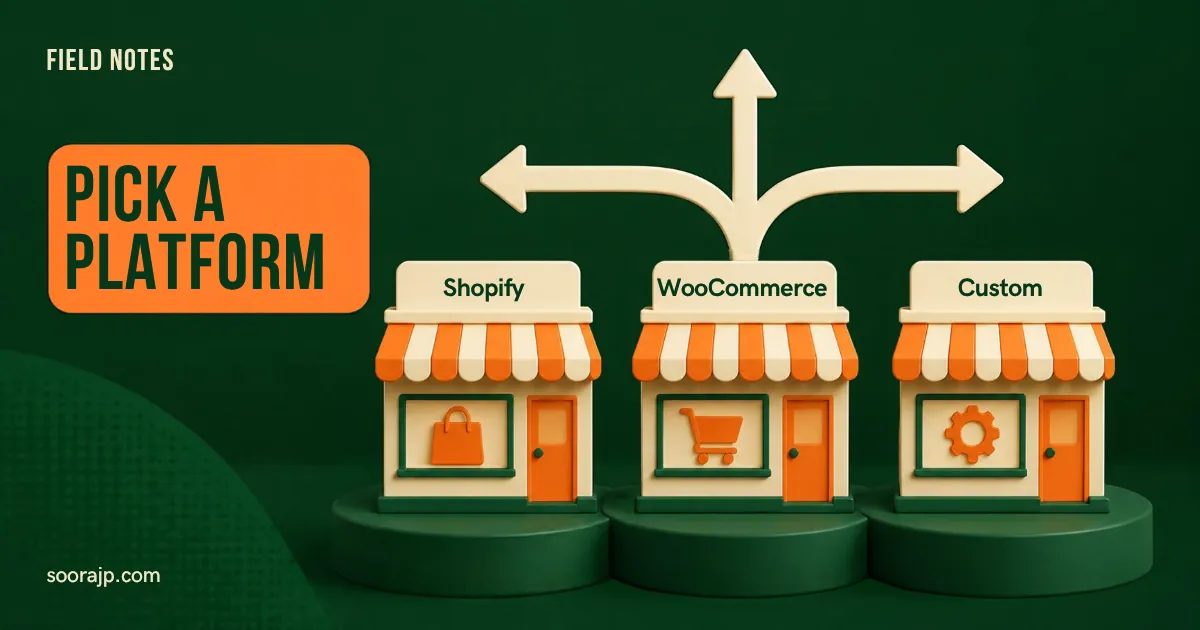
Choosing a store platform feels like a software decision. It is really a business decision. The platform sets who fixes problems, what you pay each month and how easily you can leave. This guide compares Shopify, WooCommerce and a custom build in plain terms. It uses official documentation and Web Almanac data. It does not quote plan prices, because they change often. It ends with six questions that help you decide.
Three real options
Most owners think the choice is Shopify or WooCommerce. There is a third path.
| Option | What it is | Who runs the technical side |
|---|---|---|
| Shopify | A hosted platform. You rent the store and the system behind it. | Shopify runs hosting, security and checkout. You run products, apps and design. |
| WooCommerce | A free, open-source plugin that turns a WordPress site into a store. | You or your developer run hosting, updates, backups and security. |
| Custom build | A store built from code for your exact needs. | Your developers, for as long as the store exists. |
What the documents say
Start with what each vendor says about itself. Then read between the lines.
WooCommerce is described as a free, open-source ecommerce plugin for WordPress, supported by Automattic. Its page says store owners keep full ownership of their content and data, and can export it to any platform.1
The same page lists more than 100 payment gateways, including Stripe, PayPal and Square. It also reports over 7 million active installations.1
Shopify takes a different model. Its help pages describe monthly plans with several rates and fees: the plan price, credit card rates and third-party transaction fees.2
Plus pricing is not listed. You must contact Shopify for it.2
| Point | WooCommerce | Shopify |
|---|---|---|
| Core software cost | Free to install1 | Paid monthly plan2 |
| Hosting | You arrange it | Included in the plan |
| Payment gateways | 100+ listed1 | Shopify Payments, plus external providers2 |
| Extra fee on outside gateways | Set by the gateway | Third-party transaction fee applies2 |
| Data ownership | Stated as full ownership, exportable1 | Held on the platform; export tools exist |
| Apps and extensions | Hundreds of free and paid ones1 | Apps bill on their own cycle2 |
Where the real costs hide
“Free” and “included” both hide costs. They hide different ones.
- 1
WooCommerce: the plugin is free, the setup is not
You still pay for hosting, a domain, a theme or custom design, premium extensions and developer time.
- 2
WooCommerce: you carry the upkeep
The listing asks for WordPress 7.0 or higher, PHP 7.4 or higher (8.0 or higher recommended), MySQL or MariaDB and HTTPS.1 Someone must keep these current.
- 3
Shopify: the fee stack
The plan is one cost. Card rates are another. A third-party transaction fee can apply when you use an outside payment provider.2
- 4
Shopify: apps add up
App subscriptions have their own billing cycle, which may not match your Shopify date.2 Ten small apps can cost more than the plan.
- 5
Custom: the build is the start
You pay once to build, then pay every month to patch, host, test and extend. Plan for a developer on call.
Speed: what the data can and cannot say
The Web Almanac 2025 CMS chapter gives a rare look at Shopify at scale. It reports Shopify at about 7.3% of CMS sites on mobile.3
It also lists a mobile Lighthouse performance score of 52 for Shopify and median mobile JavaScript of 1,615 KB.3
| Measure | Result |
|---|---|
| Share of CMS sites (mobile) | About 7.3% |
| Lighthouse performance (mobile) | 52 |
| Median mobile JavaScript | 1,615 KB |
The chapter also gives WordPress a 45% pass rate for good Core Web Vitals on mobile.3 That figure covers all WordPress sites, not stores only, and says little about WooCommerce on its own.
So the data supports one clear point: neither platform is fast by default. Speed comes from the theme, the apps or plugins and the images.
Control and exit
Ask one question early: how hard is it to leave?
WooCommerce states that you can export your store data to any platform.1 That is a real advantage, but exporting is still work. Orders, customers, redirects and reviews all need a plan.
On Shopify, you work inside the rules of a hosted system. That brings safety and limits. You get less freedom to change checkout and server behaviour.
A custom store gives full freedom. It also gives full responsibility. If the developer leaves, the store can become hard to change.
| Question | Shopify | WooCommerce | Custom |
|---|---|---|---|
| Change the checkout flow | Limited by the platform | High | Full |
| Fix a server problem | Shopify does it | You or your host | Your developers |
| Move away later | Possible, needs a plan | Easier to export | Depends on how it was built |
| Depend on one vendor | Yes | Less so | On your developers |
Search and conversion
Platform choice does not decide rankings. Page quality does. All three options can serve clean URLs, product markup and fast pages when set up well.
What changes is the effort. A hosted platform gives you good defaults. WooCommerce gives you control through SEO plugins. A custom store gives you exactly what you build.
Baymard Institute combines 50 studies and reports an average cart abandonment rate of 70.22%.4 The top reason is extra costs that appear late, at 40% of US shoppers surveyed. Slow delivery follows at 20%.4
Those reasons do not depend on your platform. They depend on how clearly you show shipping, tax and returns. Pick the platform that makes it easy for you to show them early.
A six-question test
Answer these in order. Stop when one answer is clear.
- 1
Who will run the store each week?
If it is a non-technical owner with no developer, favour Shopify. It removes the most upkeep.
- 2
Do you already run a WordPress content site?
If yes, WooCommerce keeps content and shop in one place.
- 3
Do you need unusual checkout or pricing rules?
If yes, lean toward WooCommerce or a custom build.
- 4
Can you pay for a developer all year?
If not, avoid a custom build. A store with no owner decays.
- 5
How many products and orders do you expect?
For a small catalogue, a hosted platform is usually enough. For a very large or unusual one, test before you commit.
- 6
How important is easy exit?
If you want to keep options open, check the export tools of each option first.
How I advise on this
I start with the owner, not the software. I ask what a normal Tuesday looks like for the store.
I also push owners to count the total cost of apps and plugins before they pick. That list changes the answer more often than any feature table.
I do not trust any platform claim until I test it on a phone, on a slow connection, with the real apps installed.
Common mistakes
Choosing by the lowest monthly price, then adding costs later.
Installing many apps or plugins without checking speed.
Building custom before testing a standard platform.
Ignoring exit: no export plan, no redirect plan.
Picking a platform because a friend used it.
Quick questions
Is Shopify or WooCommerce better for SEO?
Neither wins by itself. Both can serve clean pages and markup. Content, speed and links matter more.
Is WooCommerce really free?
The plugin is free. Hosting, design, extensions, payments and developer time are not.1
Does Shopify charge extra for outside payment gateways?
Its help page says third-party transaction fees apply when you use an external provider. They do not apply to Shopify Payments or Shop Pay.2
When does a custom store make sense?
When you have a clear need that standard platforms cannot meet, and a team that can maintain it for years.
Can I switch platforms later?
Yes, but plan for product data, customers, orders, redirects and reviews. Do a small test import first.
Key takeaways
You are choosing who carries the upkeep and who holds your data, not just software.
WooCommerce is free to install but not free to run. Shopify bundles hosting but adds fees and app costs.
The Web Almanac shows neither platform is fast by default. Themes, apps and images decide speed.
Late extra costs are the top reason shoppers leave a cart (40%), on any platform.
Default to a hosted platform for hands-off owners, WooCommerce for WordPress-based shops, and custom only for a named need.