
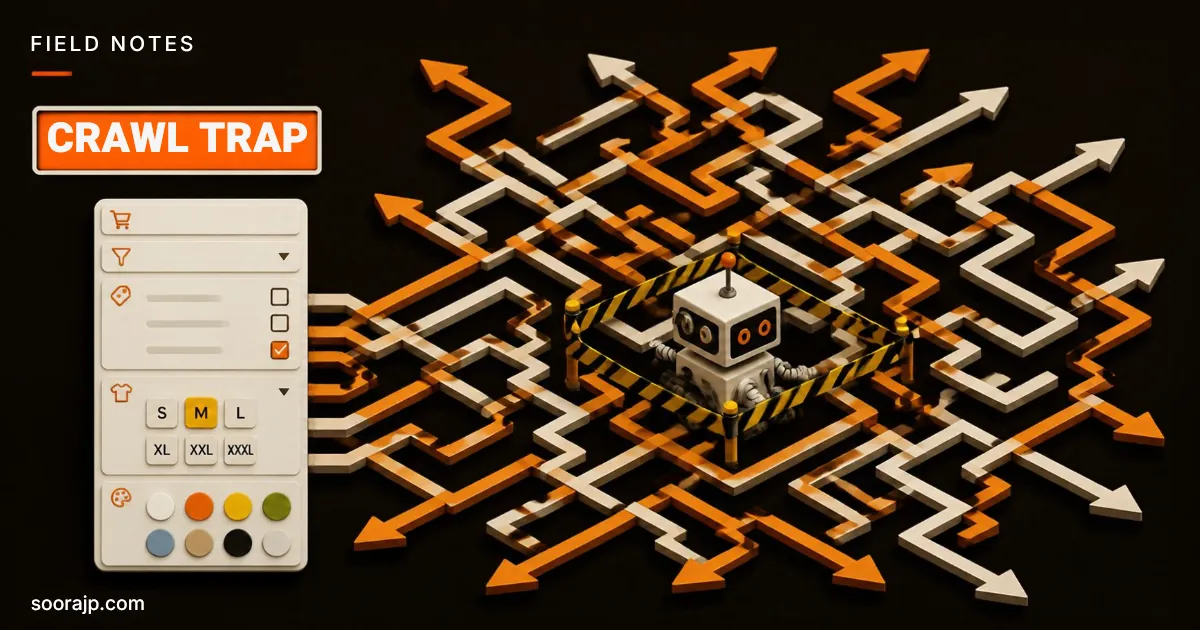
Size, colour, price, brand. Every filter makes a new URL, and the combinations multiply fast. Google calls faceted navigation a popular and useful feature that can also create an almost infinite number of URLs. This guide follows Google’s own documentation to decide which filter pages deserve to exist, how to stop crawling of the rest and how to keep the kept URLs clean.
Why filters create a crawl problem
A category with four filters can produce thousands of URL combinations. Most show the same products in a different order or a smaller set.
Google describes faceted navigation as popular and useful, and also says it can generate infinite URL spaces.1 Crawlers can waste time on these URLs instead of your real products.
| URL | What it shows |
|---|---|
| /shoes/ | All shoes |
| /shoes/?color=red | Red shoes |
| /shoes/?color=red&size=9 | Red shoes in size 9 |
| /shoes/?size=9&color=red | The same list, with the parameters in another order |
| /shoes/?color=red&size=9&sort=price | The same list, sorted |
Step 1: decide which filter pages deserve to exist
Not every filter is bad. Some match what people search for, such as “red running shoes”.
| Question | If yes | If no |
|---|---|---|
| Do people search for this combination? | Consider a clean, crawlable landing page | Keep it for shoppers only |
| Does it have enough products to be useful? | Keep it | Return a 404 or hide the option |
| Is it only a sort order or a view change? | Block crawling | Keep as normal |
| Is it a long chain of many filters? | Block crawling | Keep as normal |
Step 2: block crawling of the rest
Google lists robots.txt as the way to stop crawling of faceted URLs. You disallow the filter parameters.1
1user-agent: Googlebot2disallow: /*?*color=3disallow: /*?*size=4disallow: /*?*sort=5allow: /*?color=all$Step 3: keep the URLs you keep clean
For facet URLs you leave crawlable, Google gives practical rules.1
- 1
Use the standard separator
Use the ampersand (&) to separate parameters.
- 2
Keep the order the same
Always output filters in one fixed order, so one page has one URL.
- 3
Return 404 for empty results
If a combination has no products, return a 404 status, not an empty page.
- 4
Return 404 for nonsense combinations
A combination that cannot exist should not load.
- 5
Link to the clean version
Internal links should point to the preferred URL.
Step 4: test and watch
| Check | How |
|---|---|
| Rule test | Use a robots.txt tester on a sample of filter URLs and real category URLs |
| Crawl stats | Watch crawl activity in Search Console for a drop in filter URL requests |
| Indexed pages | Check that clean landing pages are still indexed |
| Log files | If you have them, see which URLs Googlebot requests most |
How I approach it
I start from the shopper, not from the crawler. I ask which filters help people find products.
I test robots.txt rules on real URLs first. A typo there is expensive.
Common mistakes
Letting every filter combination be crawled.
Relying only on canonical tags.
Using nofollow on some links but not all.
Letting the same filters appear in different orders.
Blocking category URLs by accident in robots.txt.
Quick questions
Is faceted navigation bad for SEO?
Not by itself. Google calls it useful. The risk is the huge number of URLs it can create.1
Can I just use noindex?
The Google page I used does not discuss noindex for facets, so I do not rely on it here. Check Google’s current robots documentation for how it works with robots.txt blocking.
Will URL fragments fix it?
No. Google says fragments have no effect on crawling.1
What if I have a few high-value filters?
Give them clean, stable URLs and normal internal links, and block the rest.
Key takeaways
Filters can create near-infinite URLs that waste crawling.
Decide which facet combinations deserve a landing page.
Block the rest with robots.txt, and test every rule.
Canonical tags and nofollow are weaker tools on their own, per Google.
For kept URLs, use one parameter order and return 404 for empty combinations.