Many local sites copy one page fifty times and change the city name. It looks efficient. It is also the pattern Google’s spam policies warn about. A strong local page works the other way. It shows a real place, real people and real proof. This guide gives a section-by-section template, a markup example and clear lines between a useful location page and a doorway page. It uses Google’s own documents.
What a local landing page must do
A local page has one job. It must convince someone nearby that you are the right choice, and show Google that the business is real.
| Reader | What they need to see |
|---|---|
| A nearby customer | Address, hours, how to get there, what you offer and proof you are good |
| A real place, consistent details and content that is not copied elsewhere |
The template, section by section
Use this order. Each part earns its place.
- 1
Clear headline
Name the service and the place: “Family dentist in Riverside”. Keep it plain.
- 2
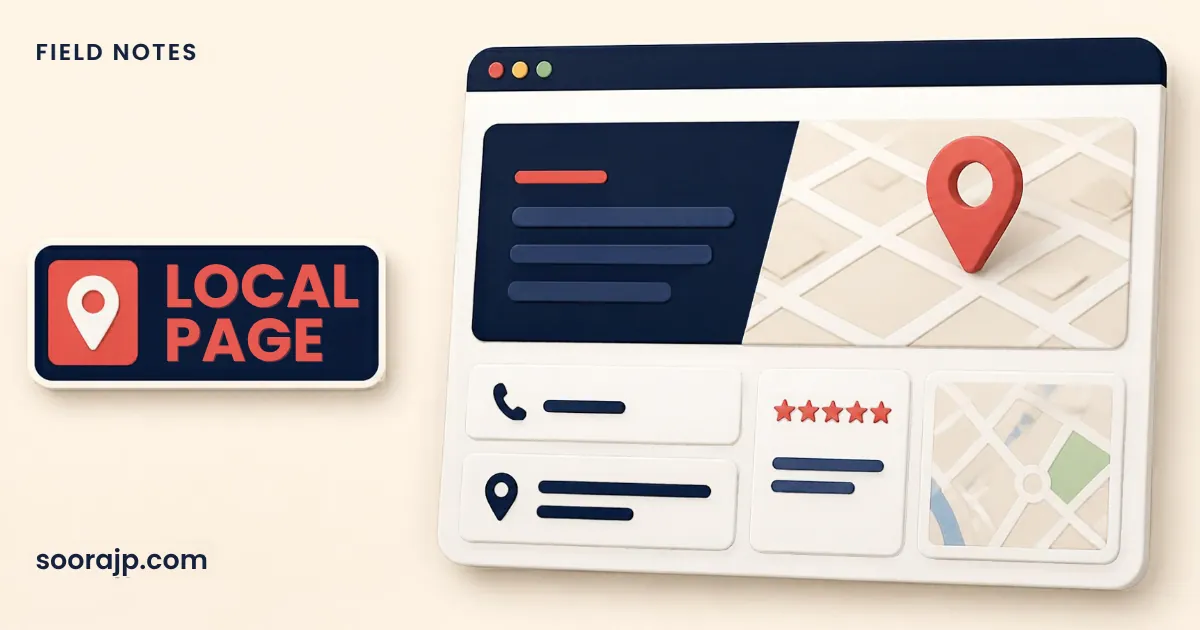
Contact block
Show the address, phone, hours and a map above the fold. Make the phone a tap-to-call link on mobile.
- 3
What you do here
Describe the services available at this location. Be specific about what is and is not offered.
- 4
Proof
Add real reviews, photos of the actual site, staff names and years in business.
- 5
Getting here
Give parking, transit, landmarks and access notes. This is local detail copied pages cannot fake.
- 6
Local questions
Answer three to five real questions from customers in that area.
- 7
Clear next step
One main action: book, call or visit. Do not bury it.
Mark up the business
Google’s LocalBusiness guide lists two required properties: name and address.1 It recommends more, such as geo, opening hours, telephone, url and price range.1
1{2 "@context": "https://schema.org",3 "@type": "Dentist",4 "name": "Example Dental Clinic",5 "url": "https://example.com/riverside/",6 "telephone": "+1-555-0100",7 "address": {8 "@type": "PostalAddress",9 "streetAddress": "100 Example Street",10 "addressLocality": "Riverside",11 "addressRegion": "CA",12 "postalCode": "92501",13 "addressCountry": "US"14 },15 "geo": {16 "@type": "GeoCoordinates",17 "latitude": 33.98060,18 "longitude": -117.3755019 },20 "openingHoursSpecification": [{21 "@type": "OpeningHoursSpecification",22 "dayOfWeek": ["Monday", "Tuesday", "Wednesday", "Thursday", "Friday"],23 "opens": "09:00:00",24 "closes": "17:00:00"25 }]26}| Property | What Google says |
|---|---|
| name and address | Required. Use the real name and as many address fields as you can1 |
| geo | Latitude and longitude with at least five decimal places1 |
| telephone | Include the country code and area code1 |
| url | The canonical, working URL for that specific location1 |
| Type | Use the most specific LocalBusiness subtype you can1 |
Useful location page or doorway page?
Google defines doorway abuse as sites or pages “created to rank for specific, similar search queries”.2
Its examples include pages that funnel visitors elsewhere and “substantially similar pages” that are closer to search results than a clear, browsable hierarchy.2
| Useful location page | Doorway page |
|---|---|
| A real place customers can visit | A town where you have no presence |
| Unique details: staff, photos, directions, local questions | Same text with the city name swapped |
| Linked from a clear site structure | Created only to catch a search phrase |
| Answers what a nearby customer needs | Funnels the visitor to another page |
Match your Business Profile
Your page should agree with your Google Business Profile. The guidelines set clear limits.
- 1
Use the real name
Keep the name as it appears on your storefront and website. Do not add keywords or taglines.3
- 2
One profile per location
Do not create more than one profile for each location.3
- 3
No virtual offices
A rented mailing address where you do not operate is not eligible.3
- 4
Service-area businesses
Use one profile for the base location and hide the address if customers do not visit. The area should not generally extend past about two hours of driving.3
How to make each page truly different
Google’s helpful-content guidance asks whether a page offers original information and real value compared with other results.4 For a local page, that means local facts only you can give.
| Idea | Why it works |
|---|---|
| Staff at this location, with names and roles | Shows real people4 |
| Photos of the actual site and neighbourhood | Cannot be copied from another page |
| Directions from two nearby landmarks | Useful to a visitor, specific to one place |
| Questions customers in that area ask | Real, local and answerable |
| Case notes or reviews from local customers, with permission | Proof that is yours |
Pages for areas you serve but do not occupy need extra care. Link them from a clear service-area page, and give each one real, different content or leave it out.
How I build one
I start with a visit or a call. I ask what a neighbour would ask, and what they would worry about.
Then I check the markup, the Business Profile and the page against each other. One mismatch can undo the trust the rest builds.
Common mistakes
Copying one page and swapping the city name.
Making pages for towns where the business has no presence.
Using a virtual office address.
Letting the page and the Business Profile disagree.
Adding review markup for reviews that are not on the page.
Quick questions
How long should a local landing page be?
Long enough to answer what a nearby customer needs. For many businesses that is 400 to 700 words plus the contact block. Add more only if it helps.
Do I need a page for every town I serve?
No. Make a page only where you have a real presence or real, different content. Use one service-area page for the rest.
Is LocalBusiness markup required?
No, but name and address are the required properties if you add it. Use it to state facts clearly.1
Can I add keywords to my business name?
No. Google says extra content in the name can lead to a suspended profile.3
Key takeaways
One real location earns one strong page. Do not fake presence in other towns.
Follow a simple template: headline, contact block, services, proof, directions, local questions, one action.
Mark up name and address first, then geo, hours, phone and URL.
Doorway pages are near-identical pages made to catch searches. Google warns they may rank lower.
Keep your page, markup and Business Profile in agreement.